BMW Online Tool and Offline Tool Demo
Explore the software interface before buying: choose the Online or Offline edition, open a module and walk through an example using simulated data.
Launch interactive demo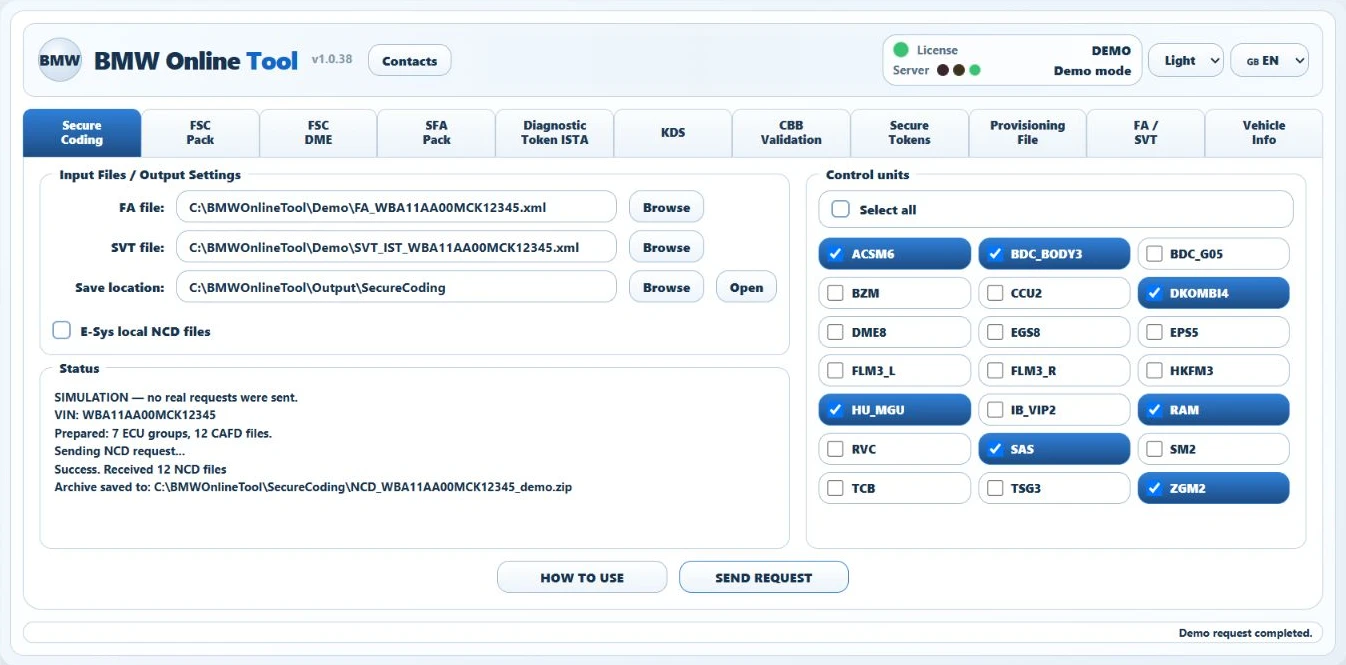
What you can explore
- Switch between Online and Offline editions, English and Russian, and light and dark themes.
- Browse NCD Secure Coding, FSC, SFA, KDS and other interface modules.
- Explore FA/SVT selection and NCD preparation controls with example results.
Getting started
- Select “Launch interactive demo”. No Windows software installation is required.
- Choose an edition and a module.
- Explore the fields, settings and example output.
What the demo represents
This is an interface simulation with example data. It does not upload your files to a server, call BMW APIs or generate valid NCD files, tokens or activation codes. A simulated result does not confirm compatibility with a particular vehicle.
Confirm license contents and support for your workflow before buying. Individual services are ordered separately from the Windows software license.