
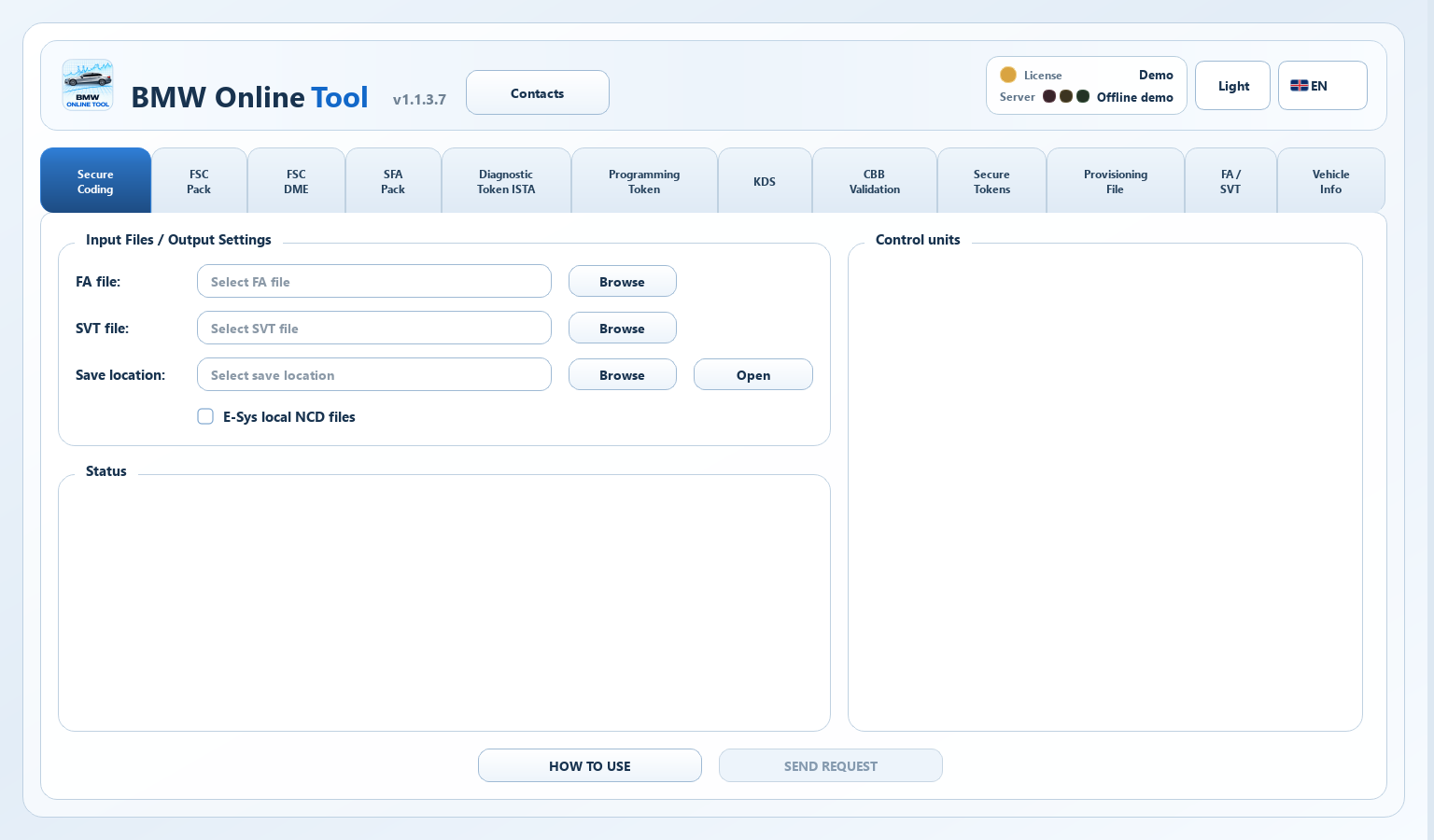
Why secure coding is different
Traditional coding workflows could often calculate and write coding data locally. Newer vehicle generations add validation and signing requirements for supported ECUs, so a compatible workflow may need server-prepared data.
Secure coding is not a single file format or one universal procedure. The exact path depends on vehicle platform, ECU, integration level, local tools and the available backend service.
The four main data elements
| Data | Purpose |
|---|---|
| FA | Vehicle configuration used to calculate coding data. |
| SVT | Control units and their software components. |
| CAFD | Coding application description; its identifier and version correspond to ECU software. |
| NCD | Prepared coding values for application to an ECU. |
A safe preparation sequence
- Stabilize vehicle voltage and use a reliable diagnostic interface.
- Read and save the current FA and SVT before making changes.
- Prepare only the required target data and verify that the ECU/CAFD versions match the vehicle state.
- Keep original and prepared files separated, use clear archive names and record the request time.
- Before writing data, confirm the local coding plan and recovery options.
What an online file service can and cannot do
The online service takes input files and returns prepared data for a supported request. It does not connect to the vehicle.
Coding, programming and feature activation are different tasks. An NCD file does not replace ECU firmware, an SFA package or a CBB response. Choose the service based on what your tool requests.
Troubleshooting checklist
- Confirm that FA and SVT are from the same vehicle and were exported recently.
- Check that the expected ECU and CAFD identifiers are present in SVT.
- Avoid mixing files from different integration levels or restored backups unless you understand the consequences.
- If a result is prepared but cannot be used locally, review the local tool version, target connection and coding procedure before requesting another file.
ONLINETOOL SERVICES
Use the online service
Understand the roles of FA, SVT, CAFD and NCD in BMW secure coding, the safe preparation workflow, and the limits of server-prepared coding files.
Frequently asked questions
Is secure coding the same as flashing?
No. Coding changes configuration data. Flash programming updates ECU software and is a different operation with different risks.
Does a prepared NCD code the vehicle automatically?
No. The result is a file. Writing it to the vehicle requires a compatible local tool, interface and coding procedure.
Why can one ECU have several CAFD entries?
Some ECU structures expose multiple coding applications. The applicable entries depend on the installed software structure.
Should I keep the original FA and SVT?
Yes. Keep the original exports and the result archive together so the vehicle state and request can be traced later.
Which BMW service fits your request?
Choose by the input requested by your local tool. These services return different results and do not replace one another.
NCD 2.0 / 3.0
Input: Matching FA and SVT XML.
Result: Signed NCD files for supported ECUs.
KDS
Input: Original KDS JSON request.
Result: Token package for the original workflow.
SFA
Input: Full VIN17 for online orders; VIN7 only in specific desktop tools.
Result: Package of supported factory functions.
ISTA
Input: ISTA request file and required mode.
Result: Diagnostic token response.
CBB Validation
Input: Original CBB request.
Result: Validation response for the original workflow.
BMW NCD, KDS, SFA, ISTA and CBB: File Preparation Checklist
Which inputs BMW services require, how a request differs from a response and what to check before submitting again.